ACTIONS
From detected hazard to verified closure.
Intenseye Actions turns high-risk detections into trackable tasks that are assigned, routed, and verified. Teams can close the loop faster, capture proof of resolution, and use each fix to improve safety performance across the operation.

What is Intenseye Actions?
It's the corrective-action layer of the platform: every detection can become an assigned task with an owner, a due date, and the clip attached - routed to Microsoft Teams, email, or Google Chat, tracked to closure, and verified by the camera. Coaching changes behavior without blame and the actions that work become best practices that scale across your sites.
Route every hazard to the right team.
When Intenseye detects a hazard, Actions turns it into one assigned task with the clip, owner, due date, and routing already attached. Frontline leaders, EHS, and operations teams see the same work item in the tools they already use, so nothing gets re-keyed, duplicated, or lost between shifts.
- One source of truthEvery routed alert points back to the same task, clip, status, and update history.
- Routed by zone, shift, and severitySend hazards to the right team automatically based on where, when, and how serious the risk is.
- Works in your existing toolsPush tasks and updates into Microsoft Teams, email, Google Chat, EHS systems, and BI tools through Connect.


Turn recurring risk into coaching that works.
Actions turns repeated safety patterns into guided coaching moments, giving frontline leaders the trend, context, and talking points they need to change behavior. The focus stays on safer work, not individual surveillance, discipline, or blame.
- Shift-ready talking pointsGive leaders simple coaching prompts that explain what happened, why it matters, and what good looks like.
- Anonymized patternsUse trends to identify recurring risk without naming, tracking, or surveilling individual workers.
- Coaching, not policingHelp teams reduce unsafe behaviors through trust-building conversations, not punitive measures.
Keep the clip, conversation, and fix in one place.
Every detection opens a Toolbox Talk thread where supervisors, EHS, operations, and frontline teams can review the clip, discuss what happened, assign follow-up, and share updates to Teams or email. The full record stays tied to the original event, so everyone works from the same context.
- Threaded discussionThe crew talks it through - captured against the hazard.
- Act from the threadCreate a task, email, or share to Teams in one place.
- Roles & accountabilityWho said what, who owns what - on the record.
- Tied to the eventThe clip and the conversation stay together.
 Shared to Microsoft Teams · #dock-2-safety
Know what could go wrong before the work even begins.
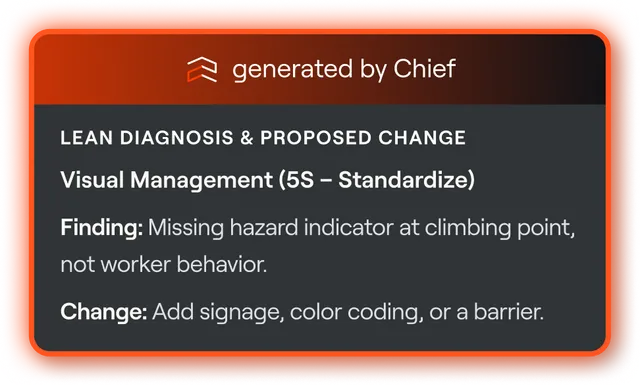
Intenseye uses NVIDIA Cosmos to understand the scene, surface potential serious-injury risks, recommend the next action, and generate an expert Job Safety Analysis for review. Teams can act ahead of the risk instead of starting from a blank write-up.
- Predict potential SIFsAct before the incident, not after.
- Recommended actionsThe right next step, from the scene.
- Auto-generated expert JSAsYour team reviews instead of authoring.
It's called Actions because it never stops at the alert.
Every detection runs the same loop - from the moment Prevent sees it to the proof the fix is working. Watch it run, or tap any stage.
Prevent sees it the moment it happens.
Real-time AI catches the hazard on the cameras you already run - the event that starts the whole loop.

 Prevent
 Hard Stop
 Actions
 Insights
Prevent sees it. Actions closes the loop.
Every detection becomes an owned, verified fix - one source of truth, not seven tools.
Continuous REBA and RULA posture scoring on your existing cameras - see where strain builds before it becomes injury.
Learn more →Turns detections into response - automated tasks, corrective actions, inspections.
You are hereReal-time dashboards and analytics that track performance and measure prevention impact.
Learn more →Turn floor footage into spatial heatmaps and trends - see where risk concentrates and act on it.
Learn more →Your EHS-trained AI copilot - surfaces risks and simplifies safety management.
Learn more →Integrate with EHS, BI, and operational systems - unify data and automate reporting.
Learn more →Instantly stops machinery when a high-risk event occurs - intervention, not just an alert.
Learn more →Digitize incidents, audits, and inspections - every workflow aligned and accountable.
Learn more →
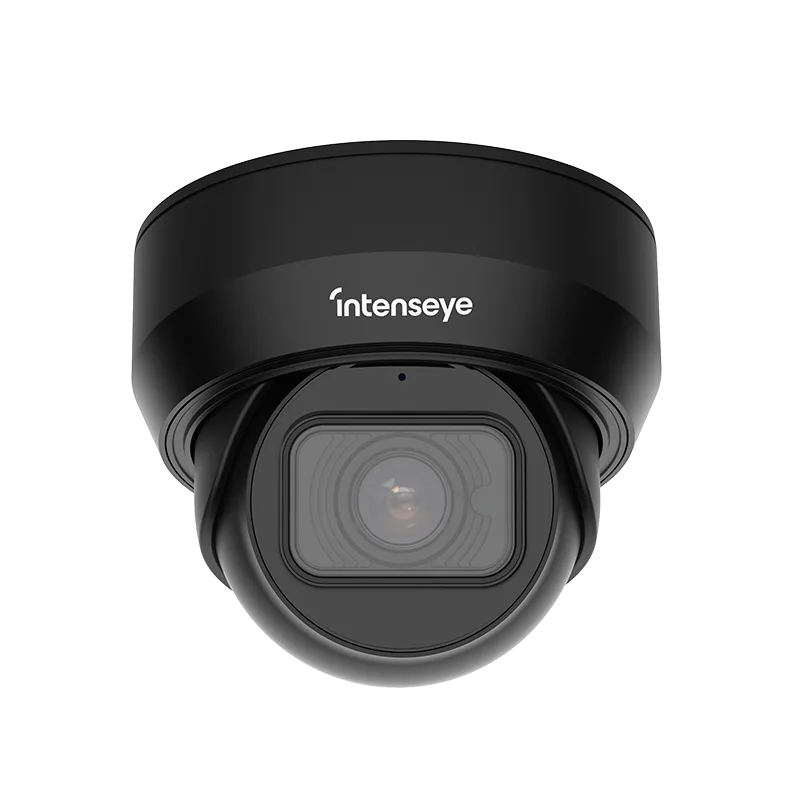
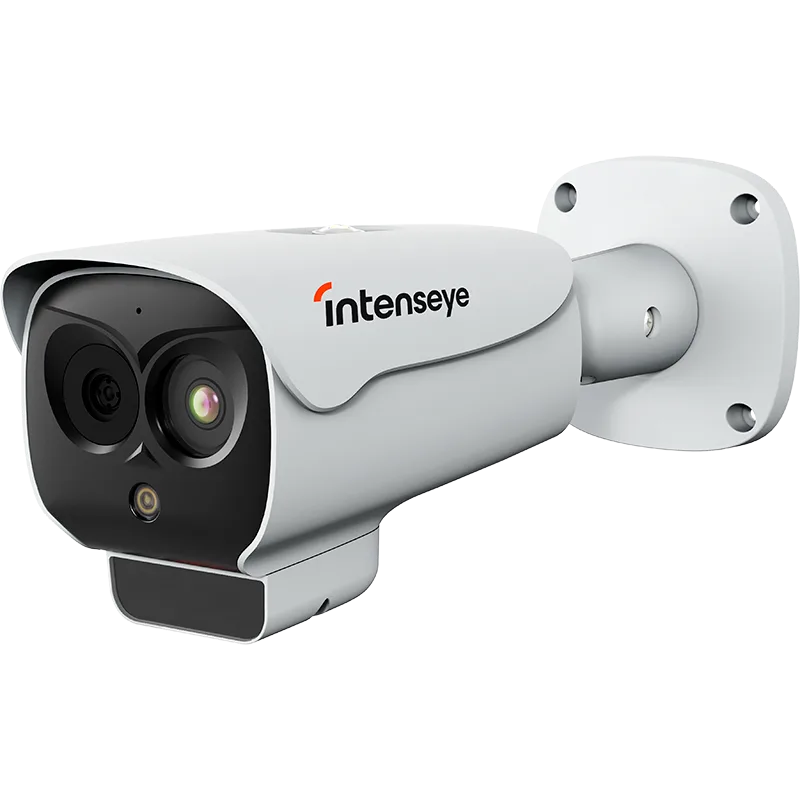
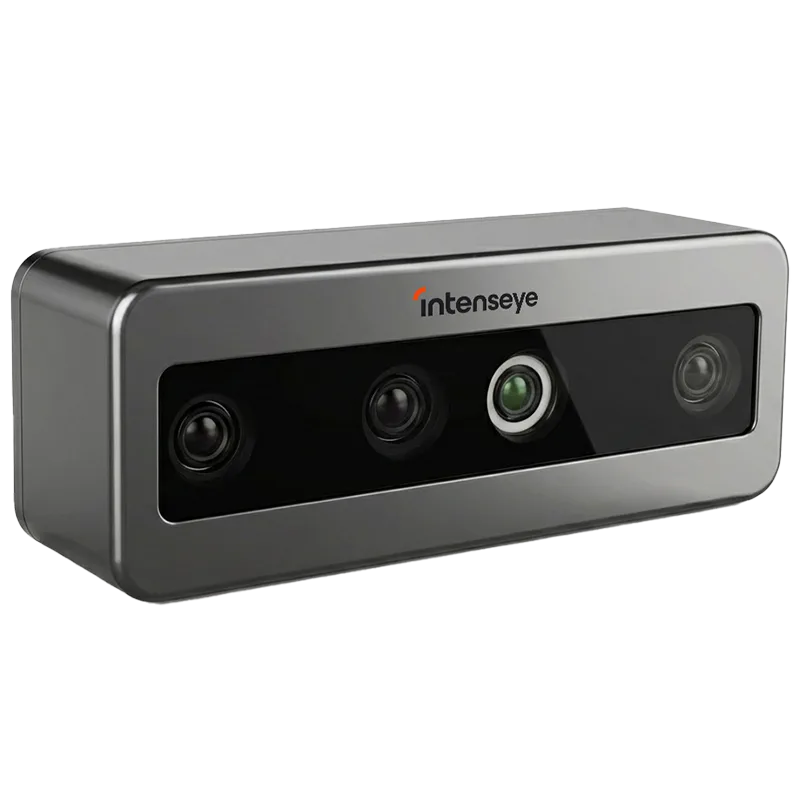
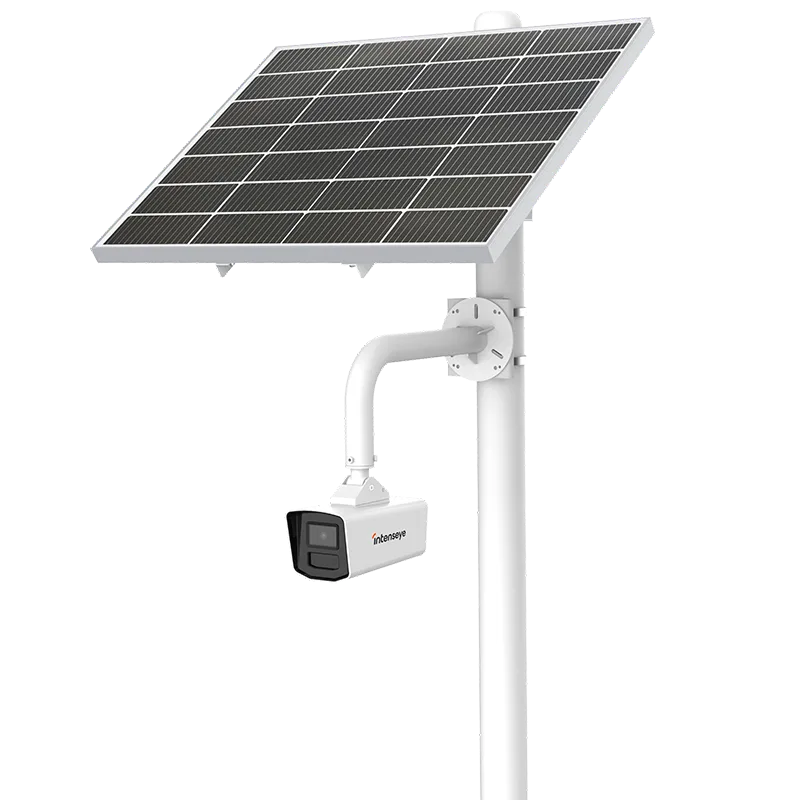
Runs on the CCTV you already own.
No rip-and-replace. Add Sentinel devices only where a normal camera can't see - low light, heat, depth, or outdoor.

Questions, answered.
Built for EHS and operations leaders. Still have a question?
Talk to our team →
How does Actions work?
Which tools can I route alerts to?
Is coaching punitive? Do you surveil individuals?
What's an auto-generated JSA?
See what Intenseye can do across your operations.
Meet with our team to explore how Intenseye can help detect your top safety risks, prioritize the use cases that matter most, and bring real-time visibility to the areas where incidents are most likely to happen.